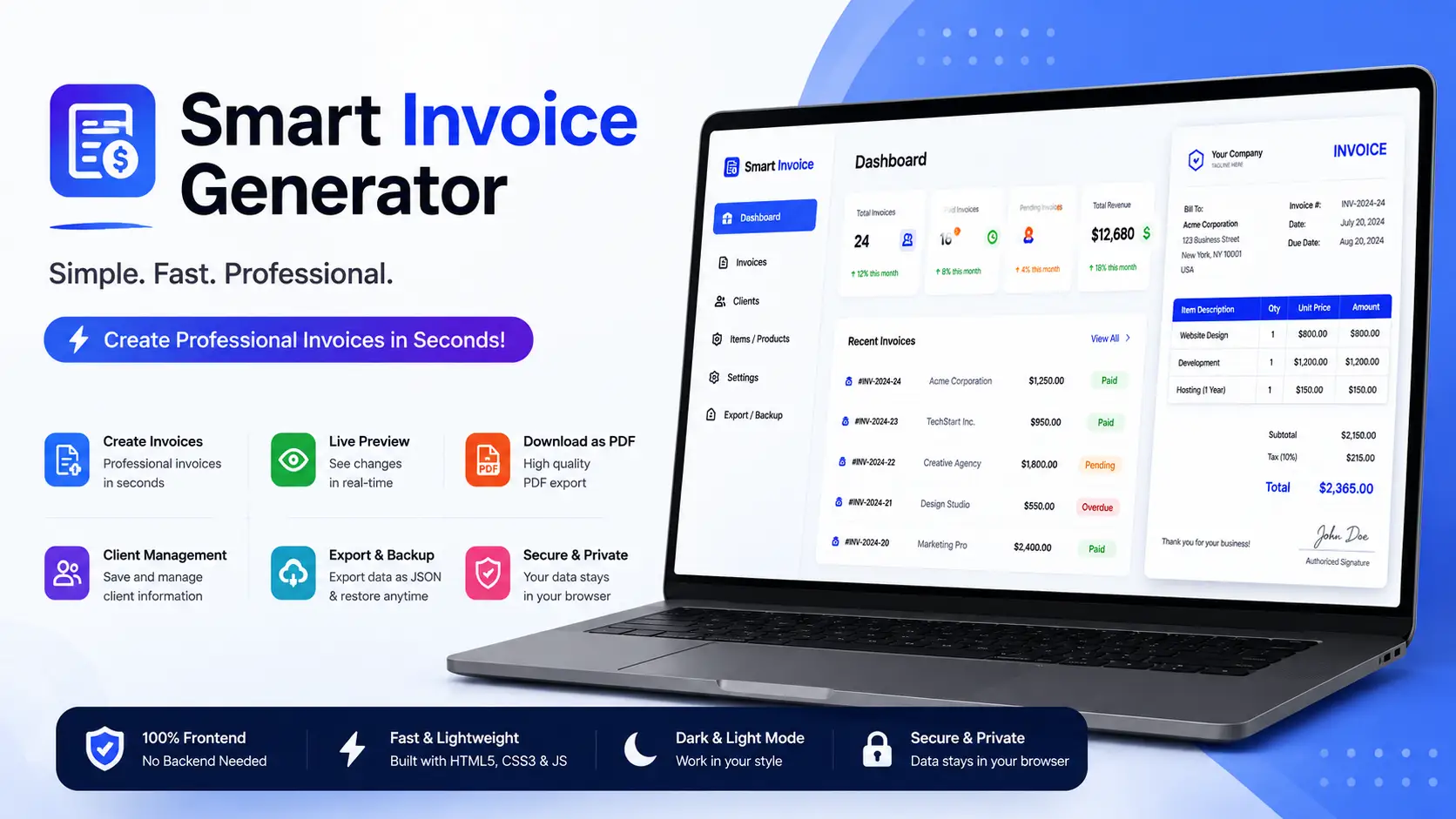
Smart Invoice Generator HTML5 Tool Simple Fast Professional Billing Maker
0.0 (0 reviews)
·v1.0.0
·7 downloads
Overview
Smart Invoice Generator is a clean, fast, and fully responsive browser based billing tool that allows users to create professional invoices instantly. Built with pure HTML5, CSS3, and vanilla JavaScript with no backend or database required it runs smoothly on any hosting and works directly inside the browser. It is designed for freelancers, small businesses, agencies, and anyone who needs a simple and reliable way to generate invoices within seconds.
Users can add items, set quantities, apply tax and discounts, customize business details, download invoices as PDF or print them instantly. Everything is handled client side making this tool extremely lightweight, secure, and easy to integrate on any website.
✨ Key Features
- Instant Invoice Creation: Add items and generate a complete invoice in real time.
- PDF Export: Download clean and formatted invoices in PDF format with one click.
- Print Ready Layout: Simple print button that formats the invoice perfectly.
- Business Branding: Add company name, logo, address, phone, and client details.
- Tax and Discount Support: Apply custom tax percentages or manual discounts.
- Multiple Currency Support: Enter any currency symbol freely.
- Fully Responsive Design: Works perfectly on desktop, tablet, and mobile.
- No Backend Required: Works entirely in the browser using pure HTML CSS JS.
- Lightweight Code: Clean structure and easy customization for developers.
- Secure: Since everything is client side there is no data storing or server dependency.
⚙️ How to Install
- Download the project folder.
- Make sure
index.htmlstyle.cssandscript.jsare in the same directory. - Upload the folder to your hosting like public html or any sub directory.
- Open the tool in your browser and start creating invoices instantly.
How to Use
- 1. Add your business and client details.
- 2. Add invoice items quantity and price.
- 3. Apply discount or tax if needed.
- 4. Preview the final invoice.
- 5. Download as PDF or print directly.
️ Support
- If you need help just contact us through the CodeCanyon support section.
- Regular updates are provided based on real user feedback.